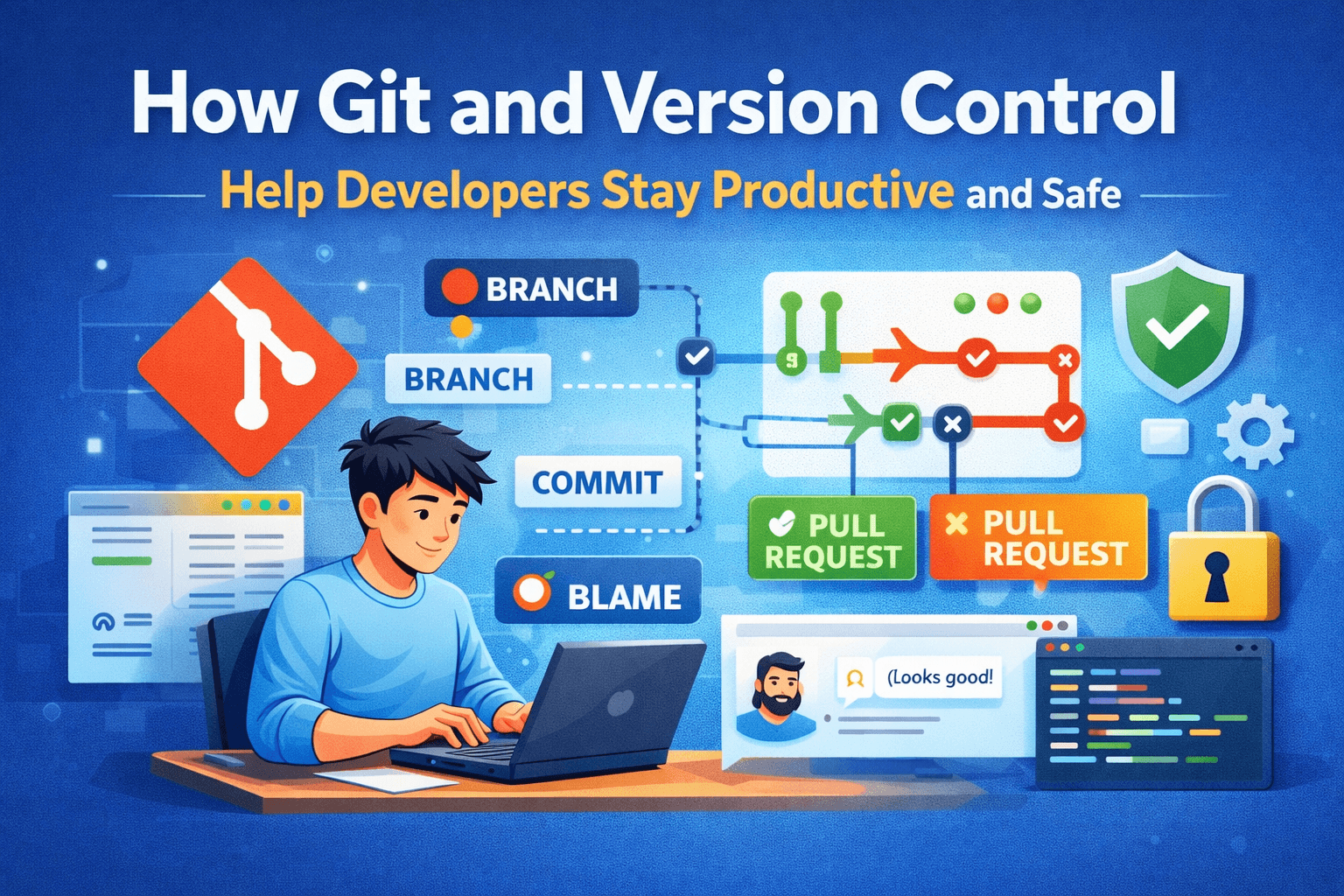
Version Control Is Your Safety Net
Git allows developers to track changes, revert mistakes, and experiment without fear. Every commit acts as a checkpoint, so you can safely explore new features and undo errors when things go wrong. Your code is never lost.
Collaboration Made Simple
Working on a team without version control can be chaotic. Git makes collaboration seamless by enabling branches, pull requests, and code reviews. Developers can work on features independently while keeping the main project stable.
Boost Productivity with Workflow Best Practices
Using Git effectively means adopting workflows like Git Flow or feature branching. These strategies reduce conflicts, organize tasks, and keep your development process smooth. Good habits now save hours later.
Learn by Doing, Not Just Reading
Beginners often fear Git, but hands-on experience is key. Start by committing frequently, experimenting with branches, and resolving merge conflicts. Each real-world challenge reinforces understanding and confidence.
Automate Checks and Keep Code Clean
Integrating Git with CI/CD pipelines, linting, and automated tests ensures that code stays clean, consistent, and deployable. Even simple automation prevents mistakes and teaches professional workflows early.
Conclusion
Git and version control are more than tools—they are a mindset. They make your work safe, collaborative, and efficient. For beginners and professionals alike, mastering Git is a step toward becoming a confident, productive developer.