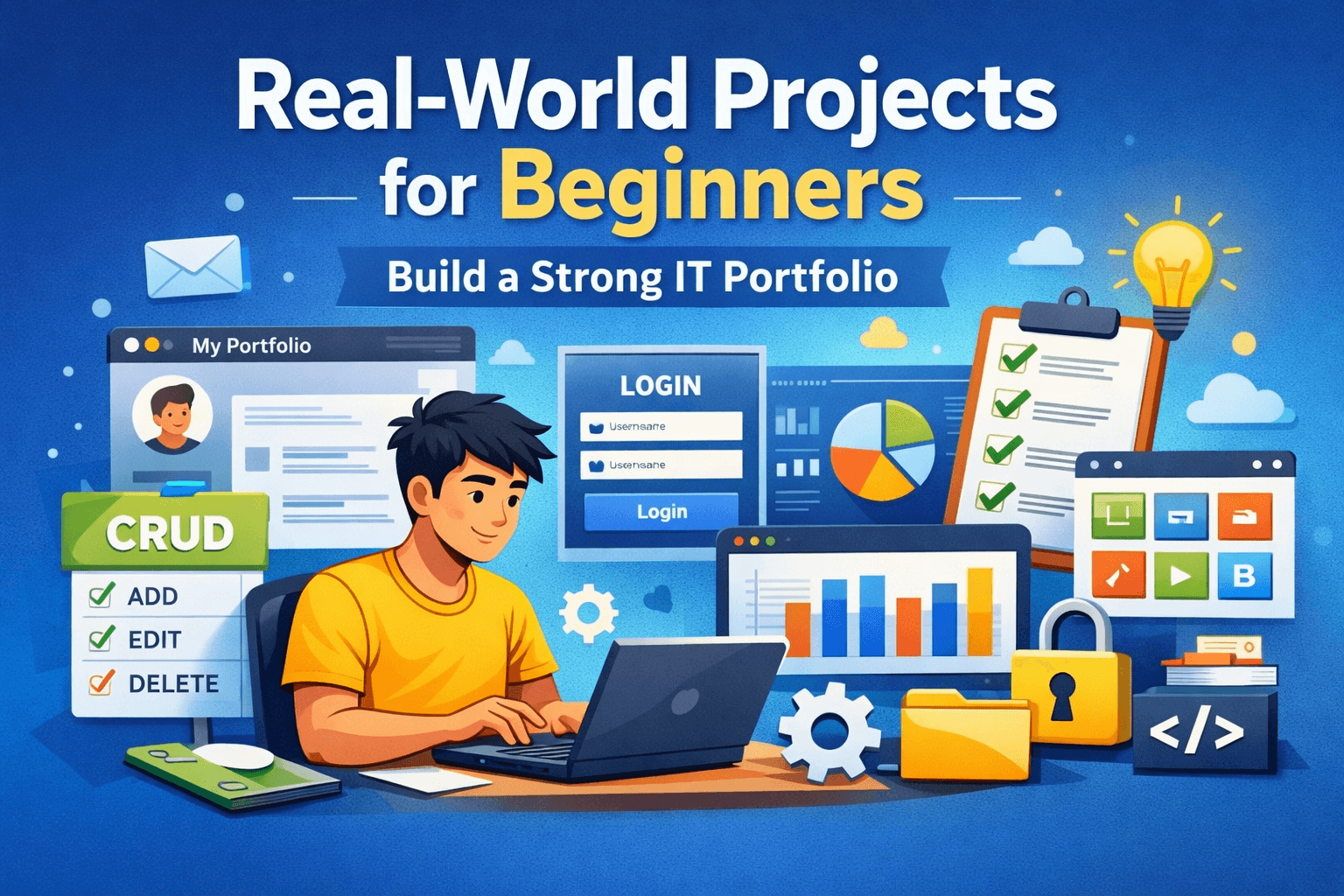
For beginners in IT, watching tutorials can feel productive—but real growth happens when you build real-world projects. These projects simulate actual problems developers face and help you create a portfolio that shows practical skills, not just theory.
1. Personal Portfolio Website
A portfolio site is often a beginner’s first real-world project. It teaches layout design, responsiveness, accessibility, and how to present information clearly. More importantly, it becomes the home for all your future work.
2. Task Management Application
Build a simple task or to-do manager with features like add, edit, delete, and filter. This project helps you understand application state, user interactions, and basic data persistence.
3. User Login & Validation System
Create a basic login form with proper validation. Even without a backend, this teaches form handling, error feedback, and security awareness—skills every IT professional needs.
4. Data Dashboard (Static or API-Based)
Display structured data such as users, products, or statistics. You’ll learn how to organize data, display it in tables or cards, and think about usability and performance.
5. Simple CRUD Application
A Create, Read, Update, Delete (CRUD) app mirrors real business software. This project introduces you to real application workflows and prepares you for backend or full-stack development later.
When showcasing these projects, focus on explaining the problem you solved, the tools you used, and what you learned. Even simple projects can look professional when they are well thought out and clearly presented.
Start small, build consistently, and treat every project as a real product. That mindset is what turns beginners into confident developers.